
Tell Claude. The phone does it.
Add our MCP connector to Claude. Claude can then use your phone in Houston the way you do in our software: see the screen, tap, type, scroll and open apps. Describe a task, such as a post to publish, and Claude carries it out on the phone.
We set it up with you on Telegram. Works with one of our phones or your own iPhone hosted with us. If you send an iPhone you own or buy elsewhere, we confirm the model and delivery details before you order or ship.
One request, three stops.
Write tasks the way you would explain them to an assistant. Pick an example:
-
1. You, in Claude
Your requestOpen Instagram and publish the latest photo in the camera roll with this caption: “New week, new drop.” -
2. accessUSA connector
MCP connector
Claude reaches your hosted phone through the accessUSA MCP connector you add in Claude.
-
3. Your phone in Houston
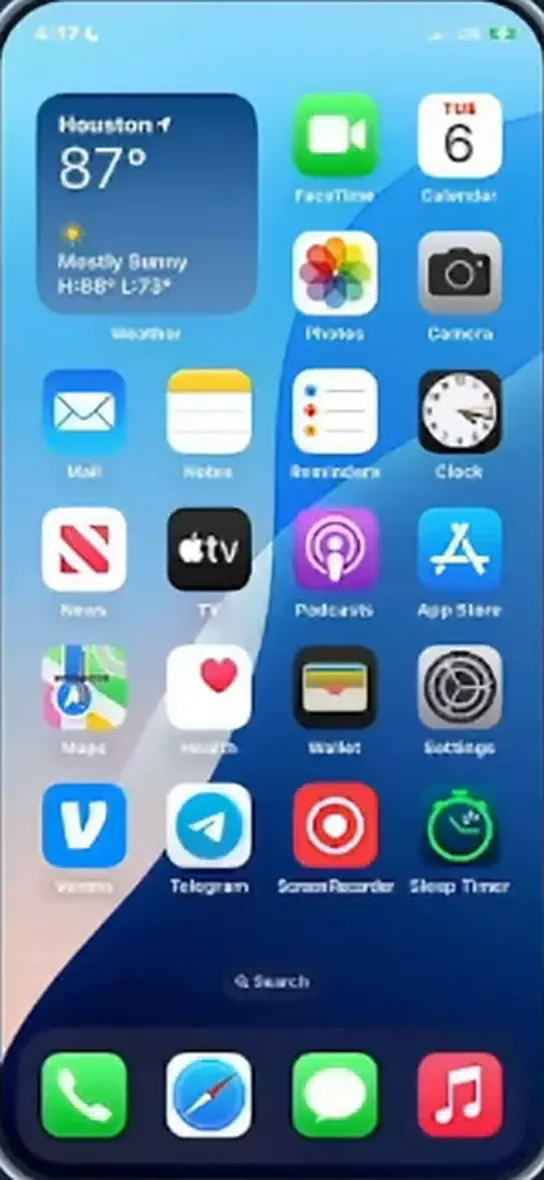
The task happens on the real phone, on U.S. cellular data. You can watch the screen in our software.
Illustration with example requests. Claude can do on the phone what our software lets you do.
Good to know.
Setup with us. We give you the connector details on Telegram and help you add it in Claude.
You keep the view. Open our software at any time to see what is on the phone’s screen.
Your accounts, your rules. Follow each app’s terms on automated activity. You decide what Claude does.
Add Claude to your setup.
Claude is a product of Anthropic. accessUSA is an independent service and is not affiliated with or endorsed by Anthropic.
- Message us. Write to @Rafaelzrk on Telegram.
- Set up. We give you the connector details and help you add it in Claude.
- Use. Describe a task to Claude and watch the phone do it.